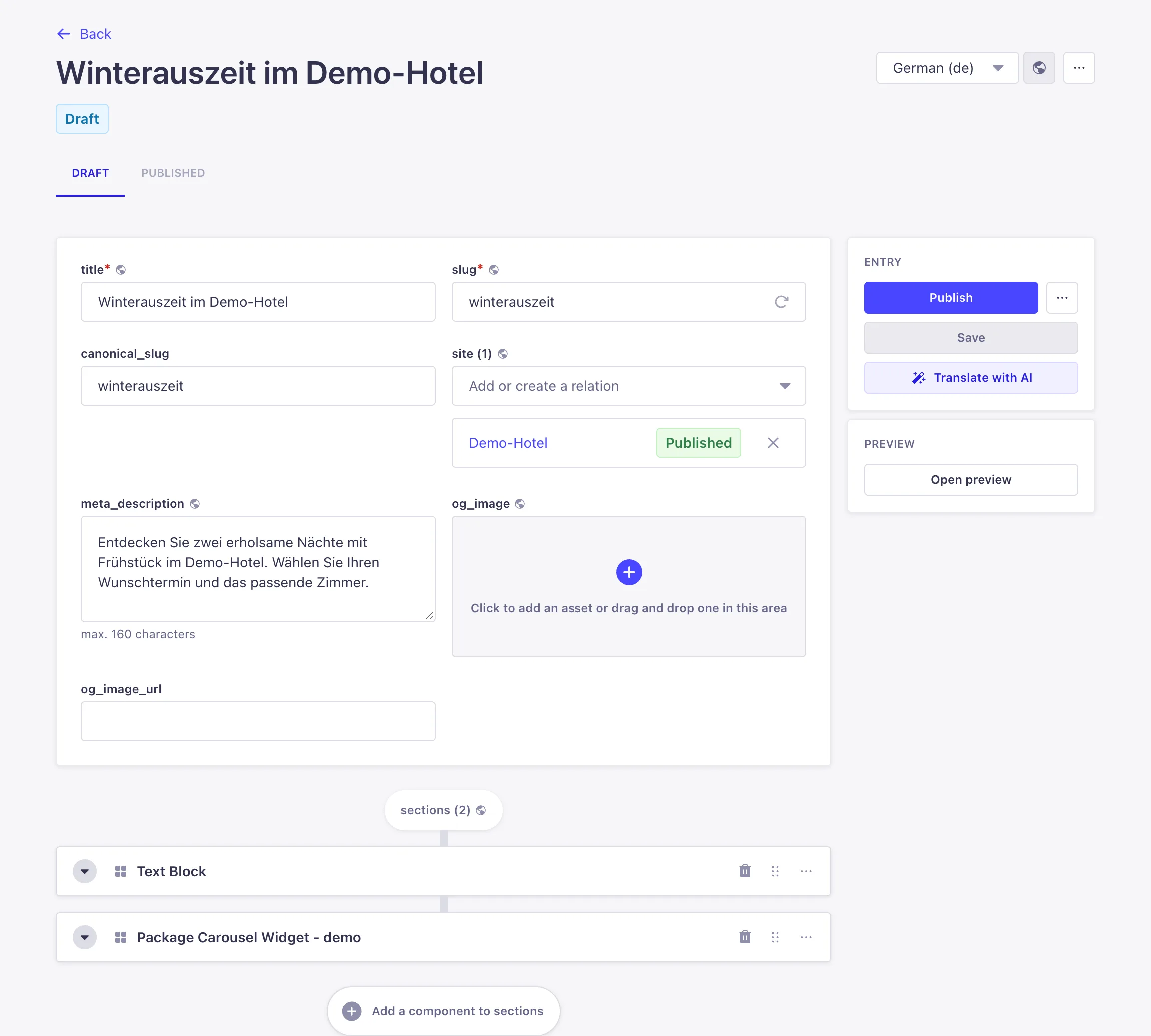
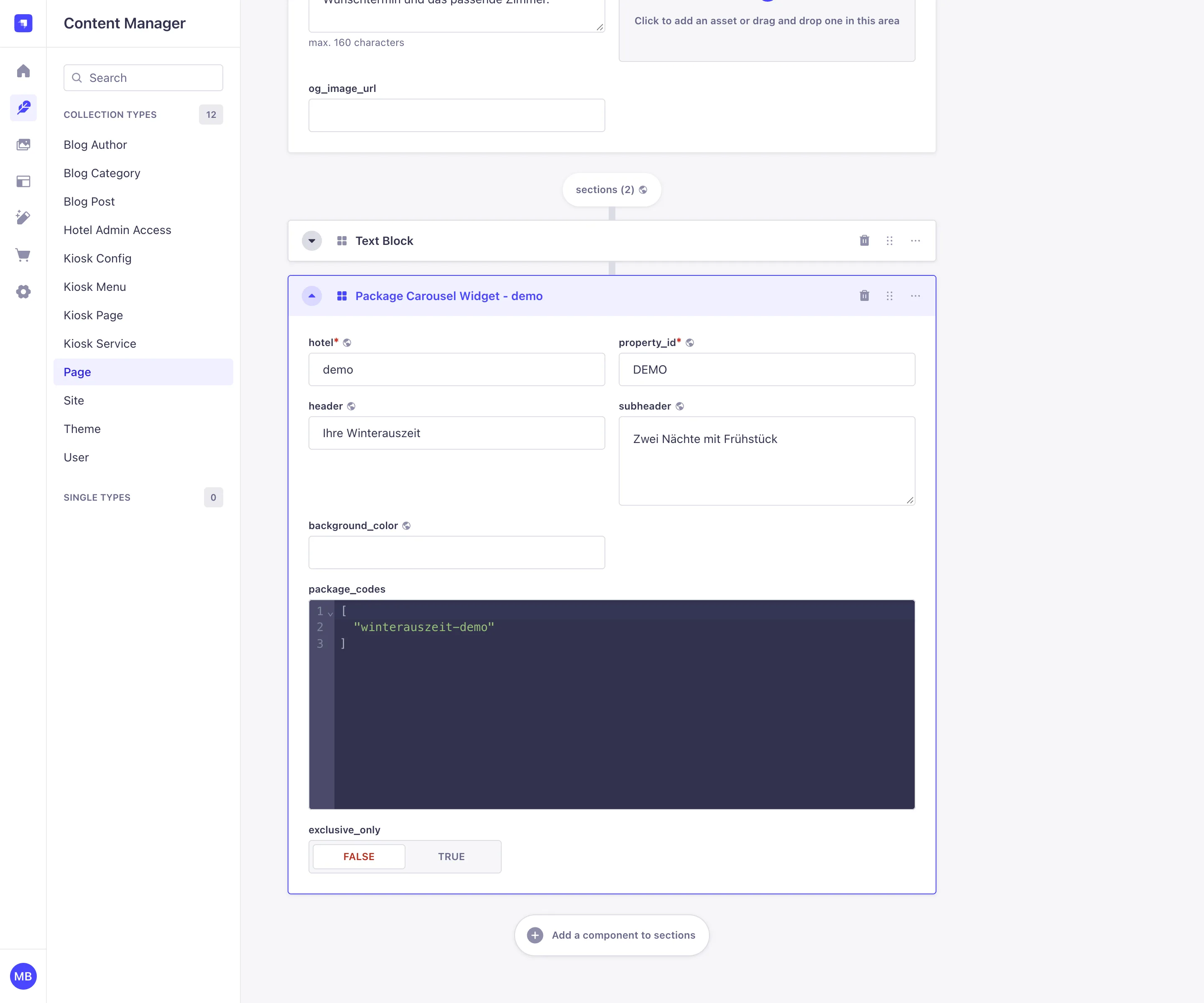
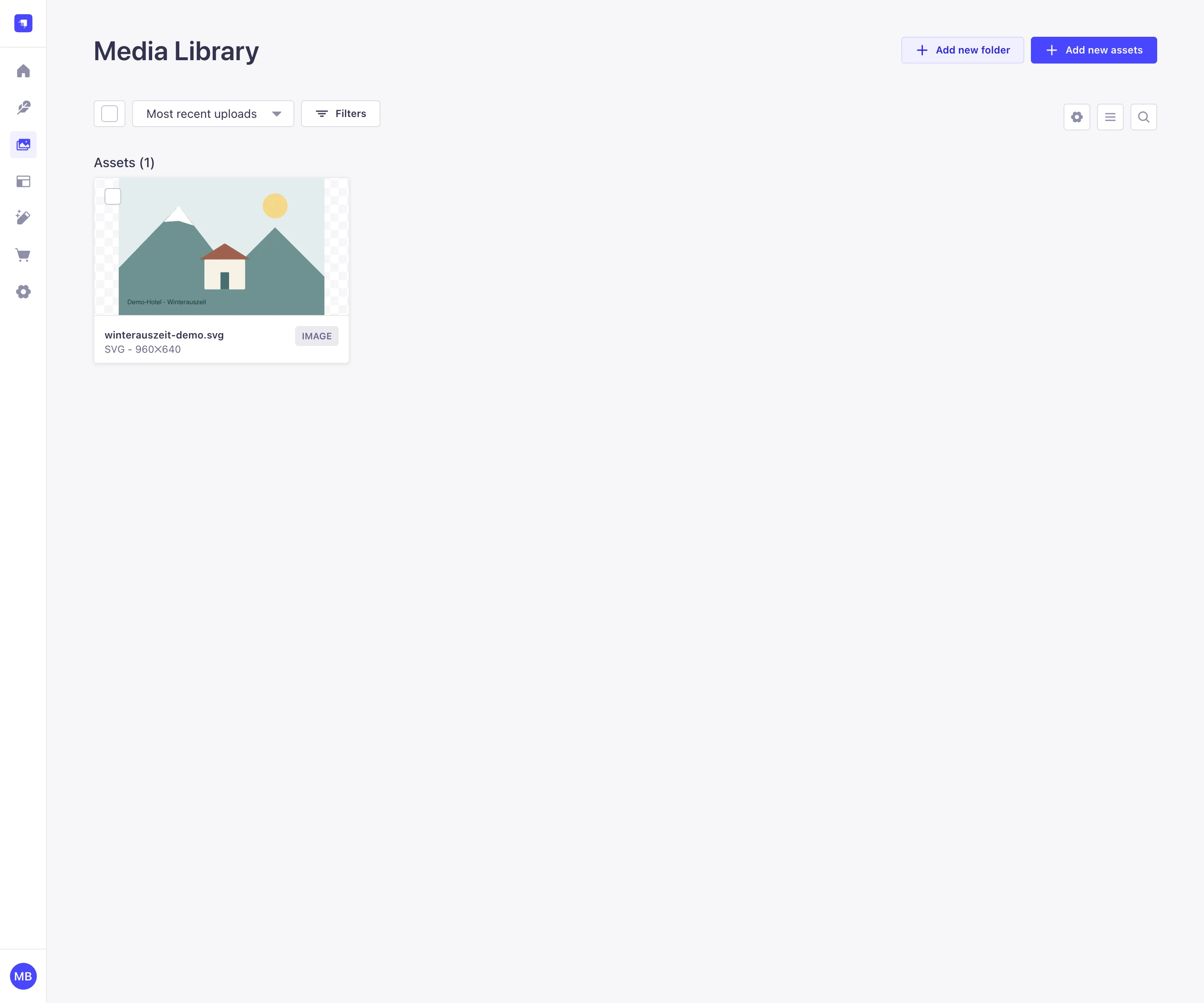
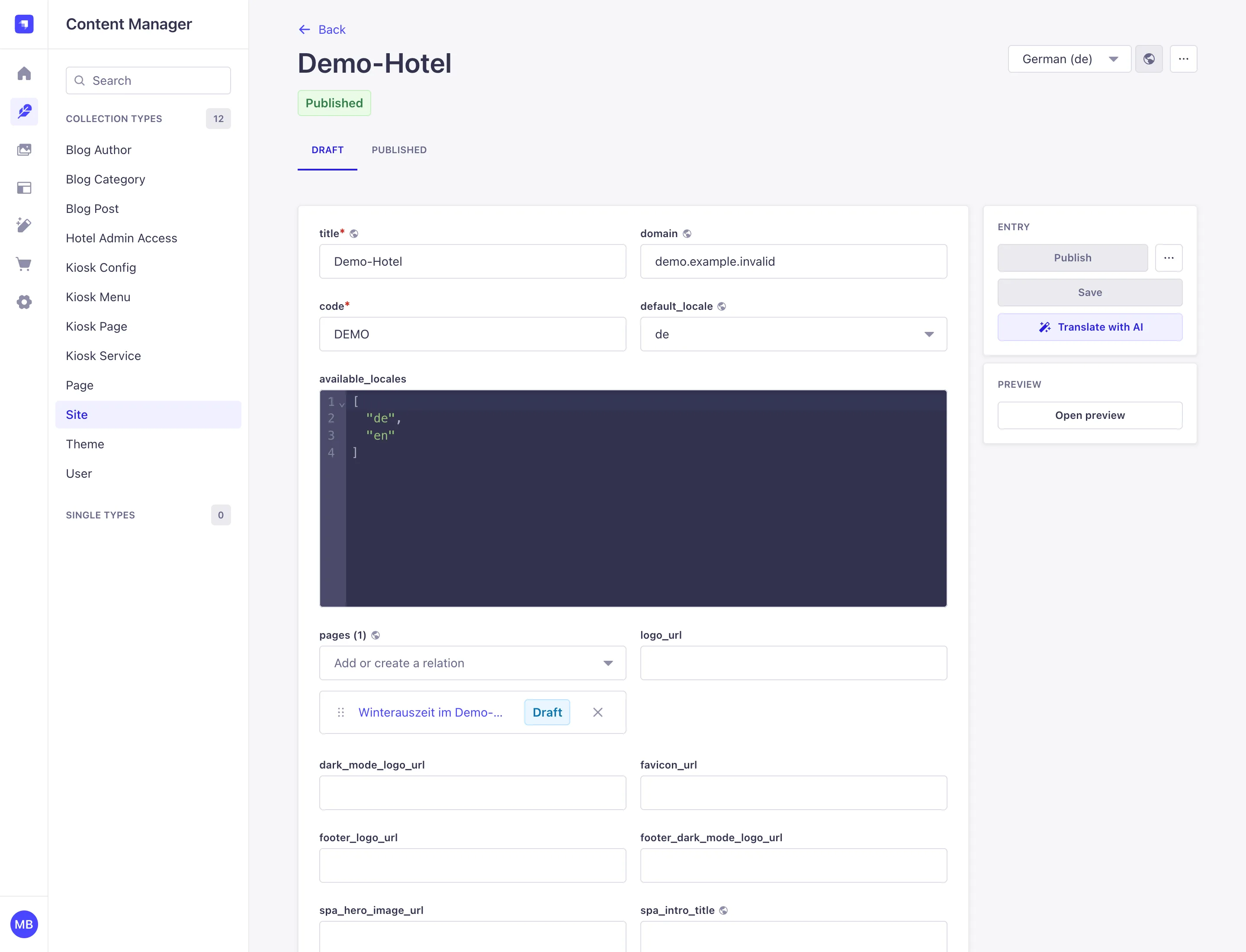
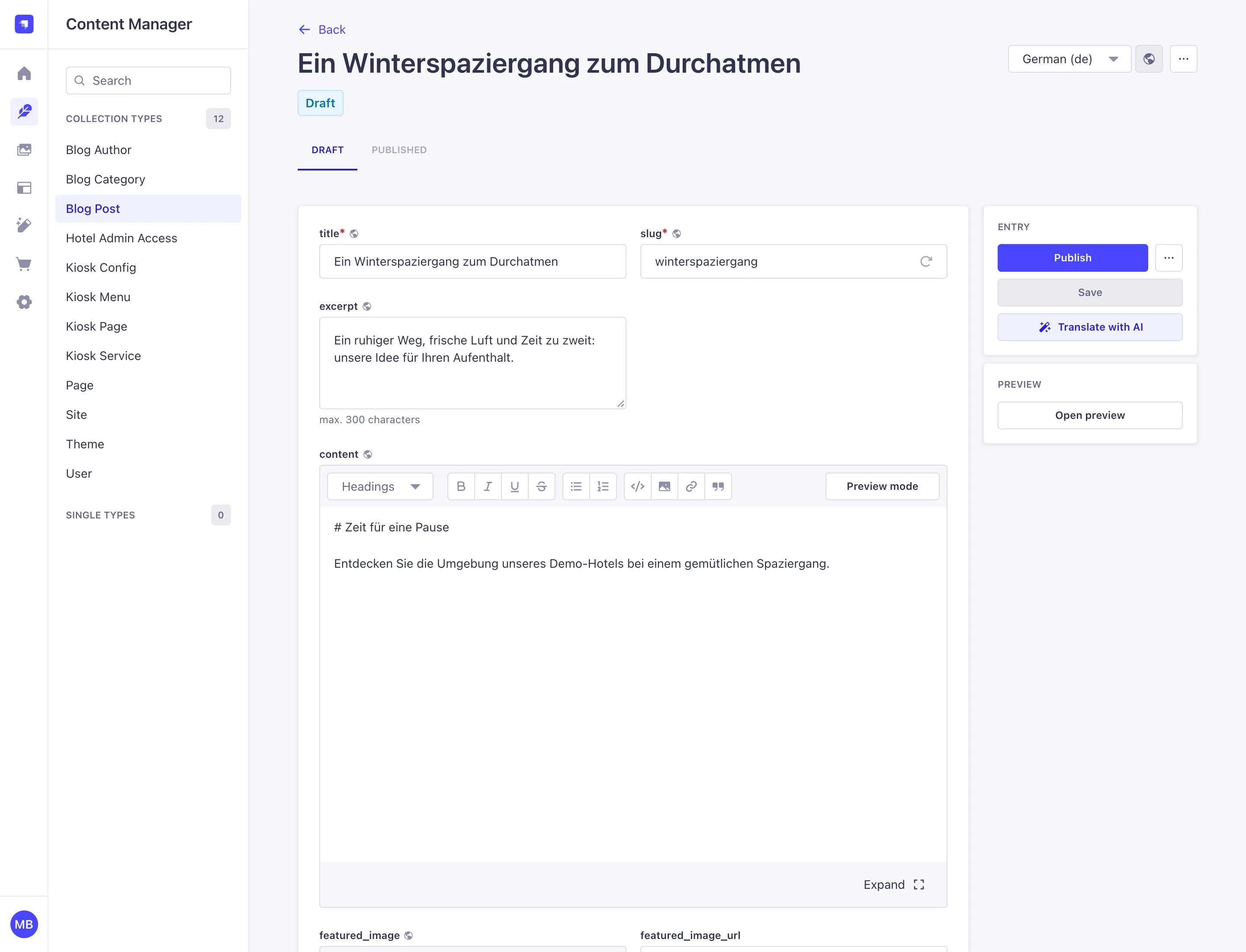
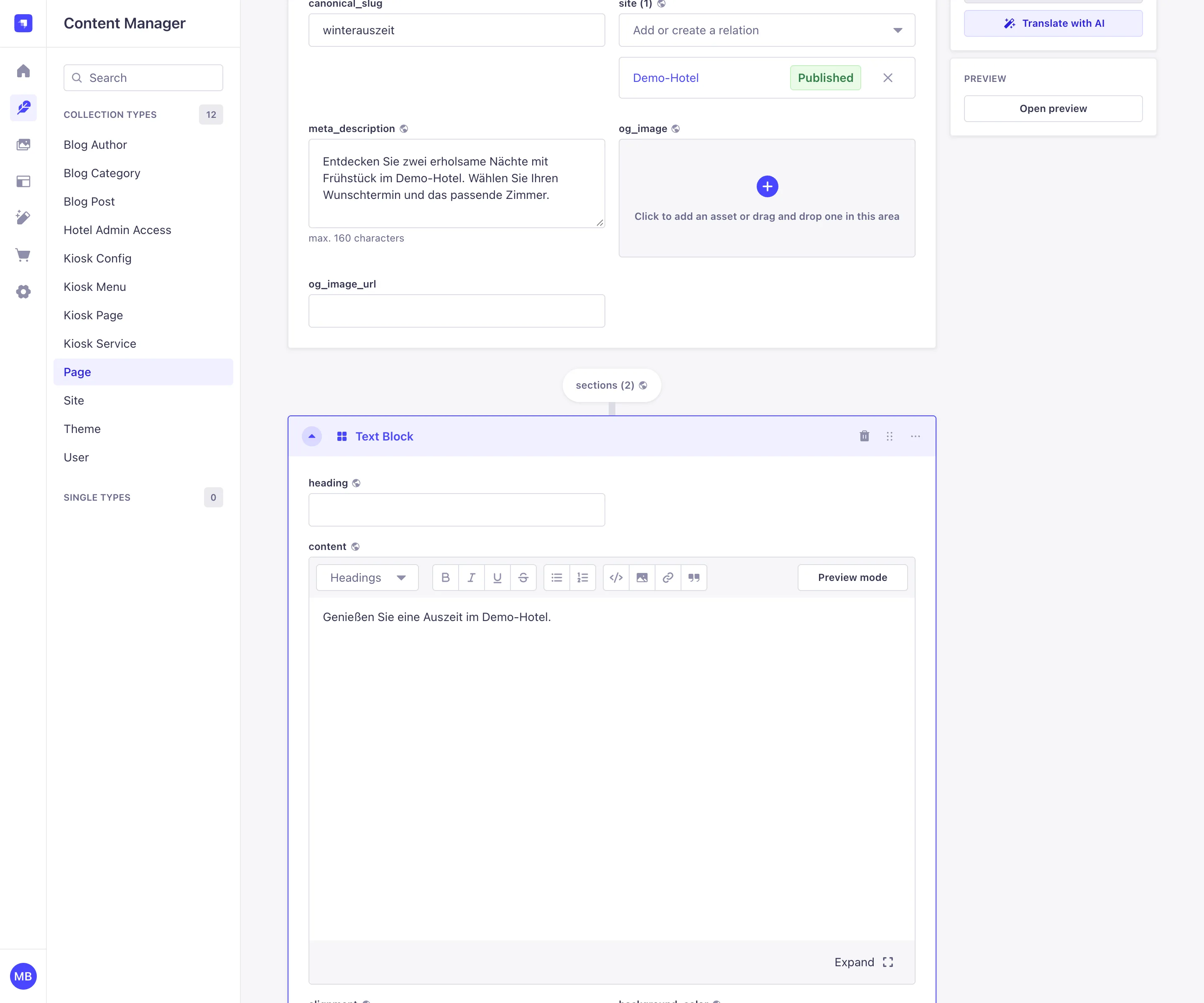
The images show the German app. Captions in quotes remain as in the app.
Table of contentsOpen/close
MARKETING & HOTEL WEBSITE
Website & Media. A harmonious appearance. A clear path to booking.
You maintain texts, images and page structure in Strapi and connect your website with sales offers. For the winter break, this creates a page where guests can understand what is on offer and choose their stay.
Where do I change package prices and included services?+
In Sales, under „Pakete & Leistungen“ and the related prices and rules. Strapi controls where and how offers appear; maintain package details in Sales.
What does an empty list „package_codes“ do?+
The normal carousel uses visibility from sales. A populated list selects packages specifically; „exclusive_only“ controls a separate selection of exclusive offers. Check the final representation with a suitable travel period.
What makes „Package Showcase (Dynamic)“ different from the carousel?+
The dynamic overview can be set up by category, display and number. The „Package Carousel Widget“ offers an introduction to booking with your own package selection. Use the section already provided for your page and check the next step for guests.
What belongs in „canonical_slug“?+
The common page reference across the language versions. „slug“ is the respective page address; Only change an existing „canonical_slug“ in a coordinated manner so that related language pages remain connected.
What are „meta_description“ and the preview image for?+
They describe the search and link preview page. Write a specific description with a maximum of 160 characters and choose an appropriate image; the actual preview may vary per service.
Can I withdraw a publication?+
In Strapi you can withdraw a published version. Check beforehand which menus and campaigns link to this page and then check its public accessibility.
Which languages do I have to maintain?+
The languages set up for your hotel website. The manual languages are independent of this; review your site's language selection and publish any version you need.
When will a change appear on the website?+
After publication, the website needs to load the new version. Reopen the page and check its content; if the old version remains visible, report the page and language to support.
Why don't I see a published blog post in the overview?+
Check site, language, category and „Blog Listing“ selection. Publishing the article and integrating it into an overview are separate steps.
What distinguishes a teaser from a sales pitch?+
„Voucher Showcase“ and „Events Showcase (Dynamic)“ present offers. „Voucher Sale Wizard“ and „Events Booking Wizard“ contain the actual purchase and booking steps.
Where do I maintain prices and dates for events?+
In the Operations Hub at „Events“. Strapi controls engagement and initiation; Event templates, dates, ticket prices and available seats remain in the department.
Why don't I see my popup?+
Check hotel, activation, time period, device and exact page path including language. The frequency set can prevent it from being displayed again; check the process in a fresh browser window.
Does a popup path apply to all languages?+
No. „/de/events“ and „/en/events“ are different paths; Enter the desired language pages individually.
Where do pop-ups belong technically?+
To „Marketing & Hotelwebsite“ because they point visitors to offers. They are maintained in the sales hub under „Popups“.
SETUP
Prepare for collaboration.
Clarify responsibilities and connections before preparing the first release.
Strapi · Marketing · Sales
Clarify access and responsibilities
The right responsibilities connect content, sales and release.
Here's how to set it up
Have the necessary editorial rights and access to your company set up.
Decide who checks texts, translations, image rights and publication.
Coordinate with sales who maintains packages and sales rules.